Blogs
AWS Glue: Building Serverless ETL for Customer Data
AWS Glue: Building Serverless ETL for Customer Data
By
R&D, FDE Academy
November 23, 2026

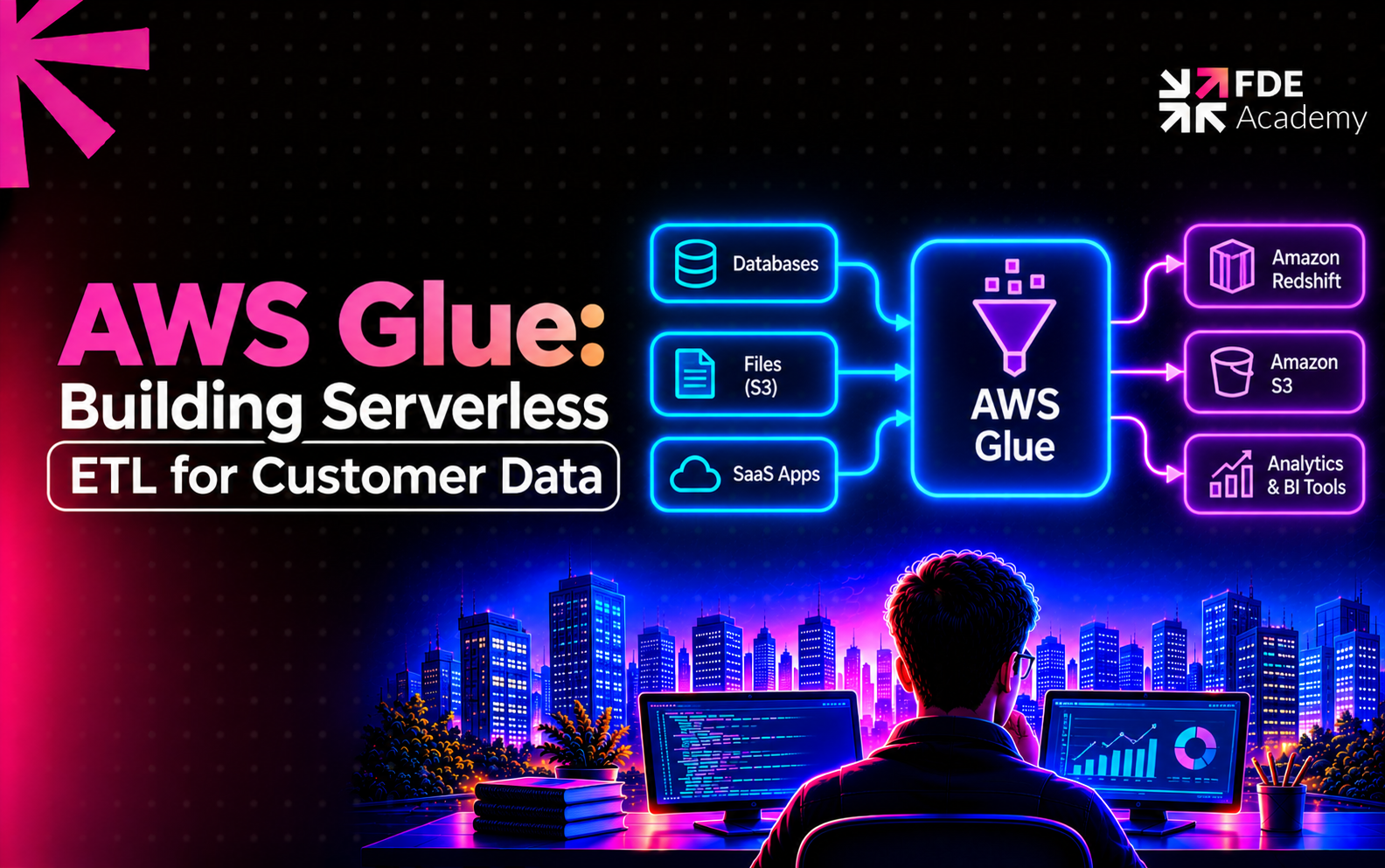
Customer data is messy. It arrives as CSV exports, database snapshots, event streams and partner files, each with different schemas and different ideas about what a "customer" is. AWS Glue exists to turn that mess into reliable, queryable tables without running a cluster.
The short answer for teams choosing a tool: AWS Glue is a strong default for batch ETL on AWS when you want managed infrastructure and tight integration with S3, Athena, Redshift and Lake Formation. It is less attractive when you need fine-grained cluster control or sub-second streaming.
This guide explains how Glue works, how to design customer data pipelines on it, and where projects go wrong.
AWS Glue is a fully managed, serverless data integration service from Amazon Web Services that lets you discover data sources, catalog metadata, and build and run extract, transform and load (ETL) jobs, typically on Apache Spark, without provisioning or managing servers.
People searching for what AWS Glue is used for usually want one of four things: cataloging data in S3 and databases, moving data between systems, cleaning and reshaping it, and preparing it for analytics or machine learning.
Is Glue ETL or ELT? Primarily ETL, because transforms run inside Glue jobs before data lands in curated storage. But many teams run an ELT pattern around it, loading raw data first and transforming it later with Athena or Redshift SQL. Glue supports either approach.
Understanding the components makes the rest of the design obvious.
The Data Catalog is the quiet hero. Once tables are registered there, services such as Athena, Redshift Spectrum and EMR can query the same definitions, which prevents each team inventing its own version of the schema.
A reliable pattern uses three layers in S3, a common data lake convention.
Glue crawlers register each layer in the Data Catalog. Glue ETL jobs move data from raw to cleaned to curated. Athena or Redshift serve queries. Lake Formation governs who can see which tables and columns.
Store curated data in a columnar format such as Parquet, and partition by fields you filter on, typically date. Many teams also use open table formats such as Apache Iceberg for updates and deletes, which matters for customer data because of deletion requests.
Follow this sequence for a new customer data pipeline.
Job bookmarks can help process only new data, but treat them as an optimization, not a substitute for idempotent design.
Customer pipelines carry legal and trust obligations. Build controls in from the first job.
Know where PII lives. Glue includes sensitive data detection capabilities that can flag fields such as emails, phone numbers and government IDs. Combine this with your own data classification.
Mask or tokenize early. Replace or hash sensitive fields in the cleaned layer, and restrict the raw layer to a small group. Analysts rarely need raw identifiers.
Govern access with Lake Formation. Grant table-level and column-level permissions so a marketing analyst sees customer segments but not email addresses.
Encrypt everything. Use KMS keys for S3, Glue job data and catalog metadata, and encrypt connections in transit. Customer-managed keys help when customers demand control.
Support deletion and consent. Regulations such as GDPR and India's DPDP Act give people rights over their data. Design for "find and delete one customer across all layers," which is far easier with table formats that support row-level deletes.
Isolate environments and customers. Separate AWS accounts or strong IAM boundaries keep one customer's data from leaking into another's. For multi-tenant designs, include a tenant ID in every table and enforce it in permissions.
Run in a VPC. Use Glue connections and VPC endpoints so traffic to databases and storage stays off the public internet.
No single tool wins every case.
People often ask whether Glue is like Databricks. Both can run Spark, but Databricks is a broader platform with its own workspace, collaboration and optimization layers, while Glue is a managed integration service within AWS. Compare on team skills, existing contracts and workload shape, not feature checklists. Verify current features on each vendor's site because both evolve quickly.
Glue pricing is usage based. Spark jobs are billed by the compute capacity you use, measured in data processing units (DPUs) over run time, and the Data Catalog, crawlers and other features have their own charges. Exact rates and billing granularity change by region and version, so confirm current numbers on the AWS pricing page.
Cost surprises usually come from a few habits:
Auto scaling and flexible execution options can cut cost for non-urgent batch jobs. Check current documentation for availability.
Searchers ask about Glue limitations, and honest answers help you plan.
Cold start and minimum run time. Spark jobs take time to start, so Glue is a poor fit for sub-minute latency needs.
Debugging is slower than local development. Use notebooks, small samples and good logging to shorten the loop.
Crawler surprises. Schema inference can change types when new data arrives. For critical tables, define schemas explicitly.
Schema drift. Partners add columns and rename fields without warning. Plan schema evolution and alert on changes.
Operational ownership. Serverless is not maintenance-free. Someone must own alerts, cost and data quality.
These patterns echo why AI projects fail and how forward deployed engineers fix it: the model or the transform is rarely the problem. Data quality, ownership and monitoring are.
A retrieval system built on stale or duplicated customer records answers confidently and wrongly, and churn features are only as good as the cleaned layer feeding them. If AI is next, design the curated layer with stable keys, documented definitions, freshness guarantees and access controls that carry downstream.
Building the Glue job is the easy part. Understanding what "active customer" means to the business, negotiating access to source systems, handling edge cases and earning trust in the numbers is the hard part.
That is the work of a forward deployed engineer: someone embedded with the customer who owns the outcome from discovery to production. Glue, S3 and Athena are standard parts of the tech stack forward deployed engineers use, and the skills a forward deployed engineer needs include data modeling, pipeline design and customer communication. The role involves real code, as explained in whether forward deployed engineers code.
Demand is growing, as covered in why companies are hiring forward deployed engineers. If you work in data today, the move is realistic. See the guide on going from data engineer to forward deployed engineer.
AWS Glue is used to discover and catalog data, move it between systems, and transform it with serverless ETL jobs, typically on Apache Spark. Teams use it to prepare data for analytics, reporting and machine learning.
Glue is primarily an ETL service, since transformations run in Glue jobs before data is stored in curated form. It also fits ELT designs, where raw data is loaded first and transformed later with Athena or Redshift.
Both can run Apache Spark workloads, but they differ in scope. Glue is a managed data integration service inside AWS, while Databricks is a broader lakehouse platform with its own workspace and tooling. Choose based on team skills and existing platforms.
Pricing is usage based. Spark jobs are billed by DPU capacity over run time, and the Data Catalog and crawlers have separate charges. Rates vary by region and version, so check the AWS pricing page.
Glue is serverless and managed, so you do not configure clusters. EMR gives you full control over cluster configuration and frameworks, which helps for heavily tuned or long-running workloads but adds operational work.
Yes, with the right design. Use sensitive data detection, mask or tokenize early, enforce column-level permissions with Lake Formation, encrypt with KMS, and support deletion requests through table formats that allow row-level changes.
The world is hiring - and this Academy prepares you for it.